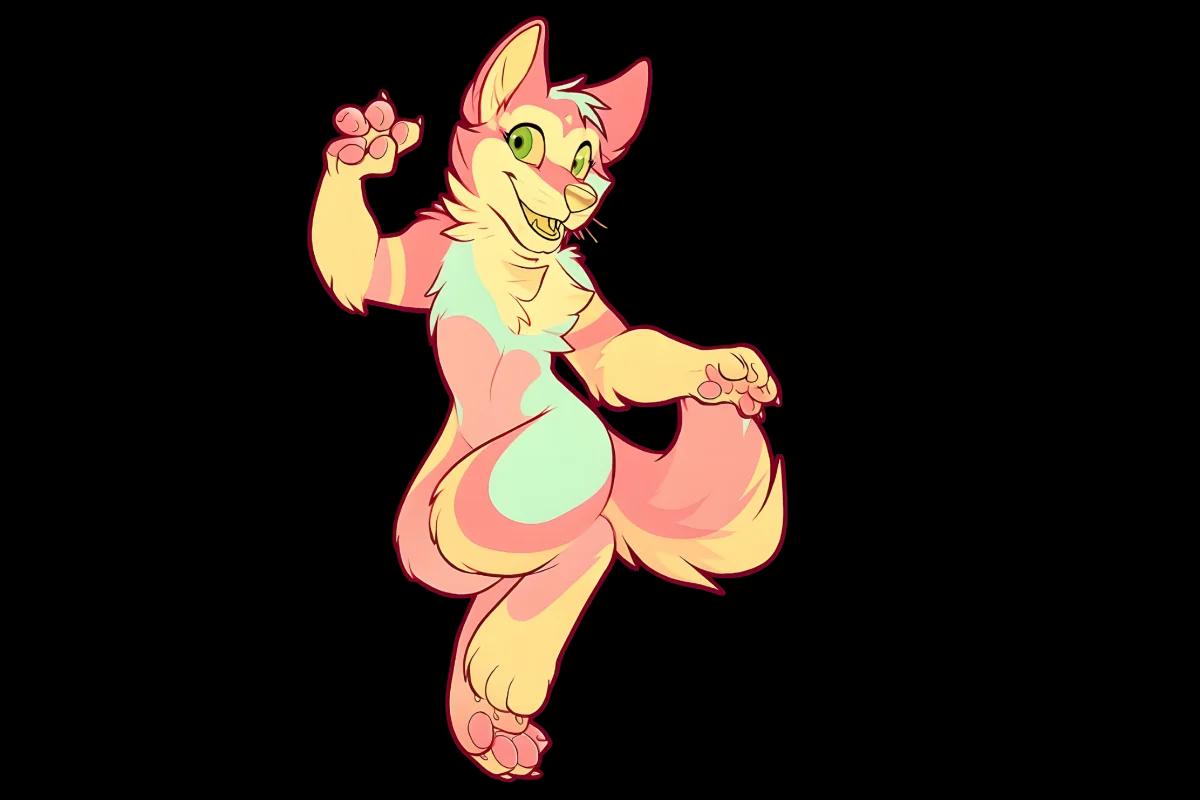
Everything you need to start your furry VTuber journey in 2026 — from designing your character and getting your model made, to setting up your software and growing your audience.
Furry VTubing is one of the fastest-growing corners of the streaming world in 2026. Whether you’re a lifelong furry who wants to stream, or a creator who wants a unique visual identity — becoming a furry VTuber is more accessible than ever.
This guide walks you through every step: designing your fursona, getting your model made and rigged, choosing your software, setting up your stream, and building an audience in the furry community.
1. What Is a Furry VTuber?
A VTuber (Virtual YouTuber) is a content creator who uses an animated virtual avatar instead of showing their real face on camera. A furry VTuber uses an anthropomorphic animal character — usually their fursona — as their on-screen identity.
Furry VTubers are different from regular anime-style VTubers in a few key ways. The character design is rooted in furry culture — animal ears, muzzles, tails, paws — and the content creator is usually part of the furry community themselves. The audience is also different: the furry fanbase is highly engaged, community-oriented, and known for strongly supporting creators they connect with.
💡 Why Go Furry?
Furry VTubers have a built-in audience waiting for them. The furry community actively seeks out and supports furry streamers — you start with an audience that already speaks your language and shares your interests.
2. Step 1 — Design Your Furry VTuber Character
Your character is the foundation of everything. Before software, before streaming — you need to know who your furry VTuber is. This is your fursona, your identity, and your brand all in one.
Choose Your Species
The most popular furry VTuber species in 2026:
- Wolf — Strong, loyal, classic. Most popular overall species.
- Fox — Clever, expressive, visually iconic. The quintessential furry.
- Dragon — Powerful, mythical, unlimited design space. Huge in VTubing.
- Cat / Feline — Elegant, independent, highly customizable. Lions, tigers, domestic cats.
- Shark — Bold, striking silhouette. Trending hard in 2026.
- Deer / Cervid — Graceful, gentle, antlers add visual drama. Growing fast.
Hybrid species are completely valid — wolf-fox, cat-dragon, shark-deer. Many of the most memorable furry VTubers have unique hybrid designs that no one else has.
Define Your Personality
Your character’s personality shapes how you stream. Think about:
- Are you high-energy and chaotic, or calm and chill?
- Are you the funny one, the informative one, or the supportive community builder?
- What games or content fit this character naturally?
The best furry VTubers have characters whose personalities feel authentic — because they’re usually expressing a real part of themselves.
3. Step 2 — Get Your Model Made
Once you know your character, you need art. Every furry VTuber needs at minimum a reference sheet — and then a model or PNG tuber asset to actually appear on stream.
Start With a Reference Sheet
A reference sheet is a single artwork documenting your character’s complete appearance — front view, back view, color swatches, face close-up. It’s the most important piece of art you’ll ever commission. Every rigger, every artist, every emote maker you work with in the future will need it.
💡 First Commission
Do not skip the ref sheet. Even if you want to go live fast — get the ref sheet first. It makes every other asset faster, cheaper, and more consistent. A ref sheet you use for 3 years is one of the best investments you’ll make as a creator.
Choose Your Model Type
| Model Type | What It Is | Cost | Best For |
|---|---|---|---|
| PNG Tuber | Static PNG that reacts to voice — blinks, talks | $80–200 | Beginners, fast start, low budget |
| 2D Live2D | Animated model with face tracking | $300–2,000+ | Most furry VTubers, Twitch/YouTube |
| 3D Model | Full 3D character with body tracking | $500–5,000+ | VRChat, full-body streaming |
Recommendation for beginners: Start with a PNG tuber. It’s fast, affordable, and you can go live within days. Upgrade to Live2D once you’ve grown your audience and know what you want.
Ref sheet, model art & rigging — all in one place
Character art, ref sheet, PNG tuber, Live2D rigging, 3D rigging — we handle everything so you can focus on streaming. Any species, any style.
🦊 Any furry species
🖼️ PNG tuber ready
⚙️ 2D & 3D rigging
📄 Commercial rights
🦊
4. Step 3 — Choose Your Software
Once your model is ready, you need software to make it move and stream it. Here’s the standard setup most furry VTubers use:
🎭
VTube Studio
The standard for 2D Live2D models. Free base version, paid features. Works on iPhone/Android for face tracking or with webcam. Most furry VTubers use this.
🖼️
Veadotube Mini
Free software for PNG tubers. Voice-reactive — your character switches expressions when you talk. Dead simple setup. Perfect for beginners.
👁️
VSeeFace
Free software for 3D VRM models. Works without expensive hardware. Good for furry 3D models on VSeeFace before upgrading to VRChat.
📡
OBS Studio
Free streaming software. Captures your VTuber model and game/content and streams it to Twitch or YouTube. The industry standard — every streamer uses this.
🎙️
Microphone
Your voice quality matters more than your model quality. A $50–100 USB mic (HyperX SoloCast, Blue Snowball) is all you need to start. Bad audio kills streams.
📱
iPhone for tracking
VTube Studio’s face tracking is best with an iPhone’s Face ID camera. Not required — webcam works — but iPhone tracking is significantly smoother for expression capture.
5. Step 4 — Set Up Your Stream
1
Connect your model to OBS
Open VTube Studio or Veadotube → add your model → in OBS, add a new source: “VTube Studio” (via plugin) or Window Capture of the Veadotube window. Your character should now appear in your OBS preview.
2
Set up your scenes
In OBS, create at least 3 scenes: Just Chatting (character + cam overlay), Gaming (character in corner + game capture), and BRB/Starting Soon (static screen). This covers 90% of streaming situations.
3
Configure your audio
In OBS audio settings: set your microphone as the main input. Add noise suppression filter. Set game audio and mic audio levels separately — mic slightly louder than game audio. Test before going live.
4
Set your stream key
In Twitch/YouTube settings → get your stream key → paste into OBS Settings → Stream. Choose the right platform. Test with a private stream first to check quality before going live publicly.
5
Set your stream title and category
Always set a descriptive title before going live. Use relevant tags — “VTuber”, “Furry VTuber”, your species, your game. Good titles and tags help new viewers find you through search.
6. Step 5 — Join the Furry VTuber Community
The furry VTuber community is one of the most welcoming and supportive creator communities online. Being active in it is the fastest way to grow:
- ✓ Twitter/X — your main platform — Post clips, schedule announcements, interact with other furry VTubers. Use #FurryVTuber, #VTuber, #FurryArt. Consistent Twitter presence drives Twitch discovery more than almost anything else.
- ✓ Join furry VTuber Discord servers — Search for “Furry VTuber Discord” on Twitter. These servers do raid trains, stream together events, and promote each other’s channels. Networking here is genuinely valuable.
- ✓ Watch and raid other furry VTubers — Raid other small furry streamers at the end of your stream. They’ll often return the favor. This community genuinely looks out for each other.
- ✓ Commission fan art early — Get fan art of your character made and post it. This generates content even on days you’re not streaming and builds your character’s identity in the community.
- ✓ Consistency over frequency — Streaming 2 days a week every week beats streaming 7 days one week and disappearing for a month. Pick a sustainable schedule and stick to it.
7. Complete Furry VTuber Checklist
Everything you need before going live for the first time:
- ✓ — species, colors, personality defined
- ✓ Reference sheet commissioned and received
- ✓ PNG tuber or Live2D model ready
- ✓ VTube Studio or Veadotube installed and model loaded
- ✓ OBS installed, scenes created, audio configured
- ✓ Twitch or YouTube channel set up with profile picture and banner
- ✓ Twitter/X account created with character art as profile picture
- ✓ At least one Discord server joined for furry VTubers
- ✓ Stream schedule decided — even 1–2 days per week is fine to start
- ✓ First stream title and game ready to go
Ready to Start Your Furry VTuber Journey?
We handle character art, ref sheets, PNG tubers, Live2D rigging, and 3D models — everything you need to go from idea to live stream. Open now.